10 Things You Need to Know About Google's New AI-Powered Googlebook Laptop
Google has officially pulled back the curtain on its latest hardware venture: the Googlebook. This isn't just another laptop—it's a device built from the ground up to put artificial intelligence front and center, with Gemini acting as the brain. Combining elements of Android and ChromeOS, the Googlebook promises a seamless, proactive computing experience. Here are the ten most important details you need to understand about this new machine.
1. Gemini Is the Core of the Googlebook Experience
The Googlebook is not a standard laptop with a few AI features tacked on. Instead, Gemini serves as the central operating intelligence, integrated deeply into the system. This means the laptop can anticipate your needs, provide contextual help, and learn from your habits over time. Whether you're scheduling meetings or organizing files, Gemini is always active and ready to assist. The entire software stack is built on a foundation that merges Android and ChromeOS, a move that Google says allows for a more personalized and proactive experience. According to Google, the laptop is "designed for Gemini Intelligence," making it a true AI-first device rather than a traditional computer with an assistant.
2. The Magic Pointer Replaces the Cursor
Forget the standard arrow cursor. Googlebook introduces the Magic Pointer, a tool that users can "wiggle" to activate Gemini instantly. Once active, you can point at any element on the screen—a date in an email, a link in a document, or an image—and Gemini will offer context-aware suggestions and answers. For instance, pointing at a date automatically sets up a calendar event, while selecting two images lets you visualize them side by side. The system includes dedicated tools for asking questions, comparing items, and combining content. This gesture-based interaction is designed to feel more natural than typing or clicking, bringing a conversational layer to everyday tasks.
3. Create My Widget Brings Custom Dashboards to the Desktop
Widgets are getting a major upgrade with the Googlebook. A new Android feature called Create My Widget is coming to the platform, allowing users to build personalized widgets simply by typing a Gemini prompt. Gemini can search the internet and connect with Google apps like Gmail and Calendar to gather relevant data and display it in a custom dashboard. Want a widget that shows your upcoming meetings, recent emails, and the weather? Just ask. The AI compiles everything into an interactive panel that updates in real time. This makes the home screen a live, dynamic workspace tailored to your specific needs, rather than a static grid of icons.
4. Seamless Integration with Android Smartphones
Because the Googlebook runs on a combined Android/ChromeOS base, switching between your laptop and an Android smartphone becomes effortless. Apps from your connected phone are instantly available on the Googlebook, similar to Apple's iPhone Mirroring. You can run mobile apps directly on the laptop, respond to messages, and access notifications without picking up your phone. Quick Access takes this a step further by letting you view, search, or insert files from your smartphone directly into any open application on the laptop—no file transfer needed. This level of cross-device fluidity is a major selling point for users deep in the Android ecosystem.
5. Quick Access Eliminates File Transfers
One of the most practical features is Quick Access. When your Googlebook is linked to your Android smartphone, you can browse the phone's file system right from the laptop. Need a photo from your phone for a presentation? Just search for it in the Quick Access panel and insert it directly into your document. There's no need to email files to yourself, use cloud storage, or connect a cable. The feature works with all file types, from images to documents, and supports drag-and-drop. This seamless integration saves time and reduces friction, making the laptop feel like an extension of your phone rather than a separate device.
6. Top Manufacturers Are on Board for the First Wave
Google isn't building the Googlebook alone. The company has partnered with Acer, ASUS, Dell, HP, and Lenovo to produce the initial lineup of machines. These manufacturers will leverage their hardware expertise to create Googlebooks in a range of sizes and configurations. Google emphasizes that each device will feature "premium craftsmanship and materials," suggesting a focus on build quality and aesthetics. The inclusion of major players indicates that Google aims for broad market availability, similar to how Windows laptops are made by multiple OEMs but powered by a common OS. This partnership model could help the Googlebook compete with Apple's tightly integrated Mac lineup.
7. The 'Glowbar' Is the Signature Design Element
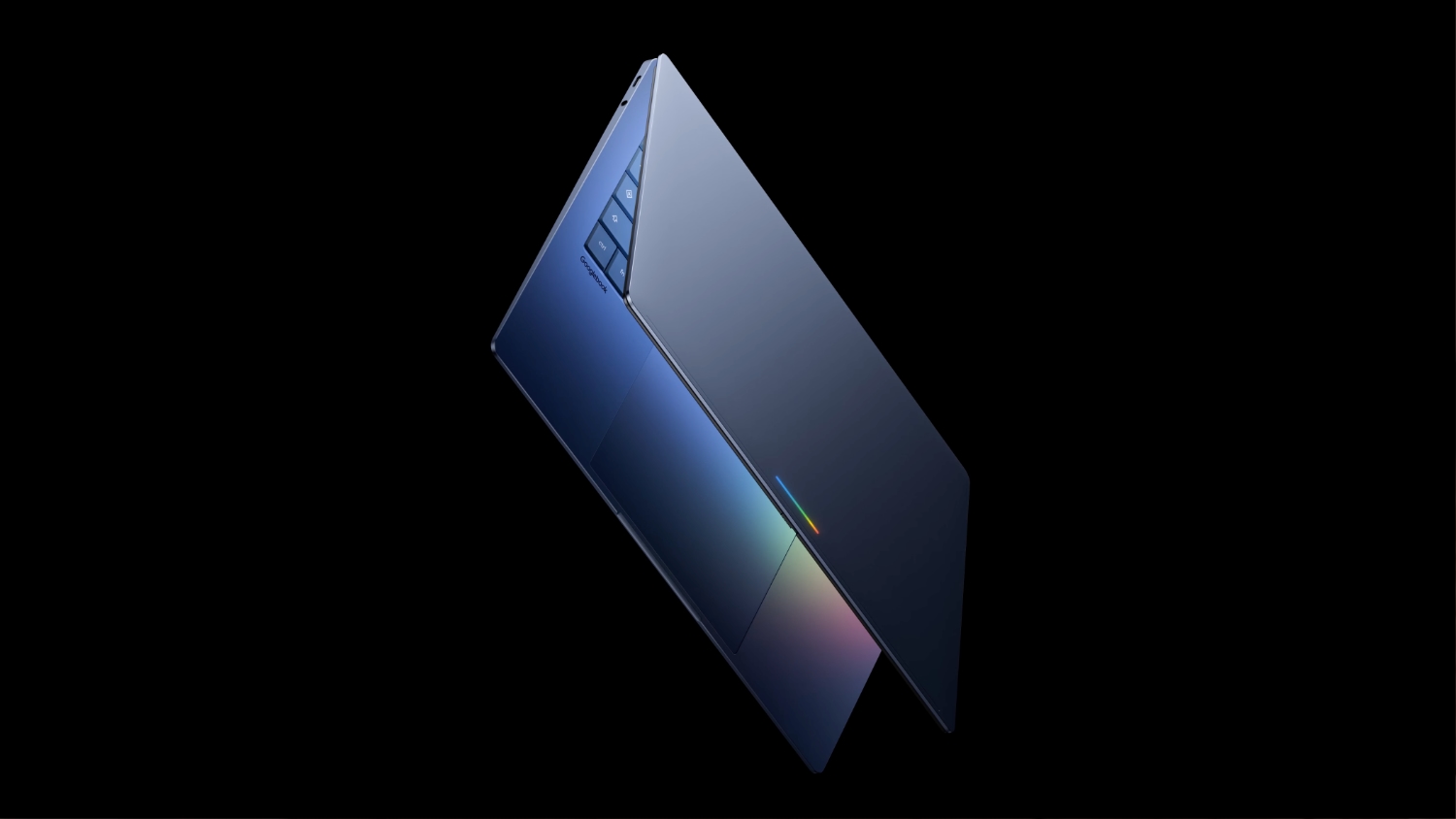
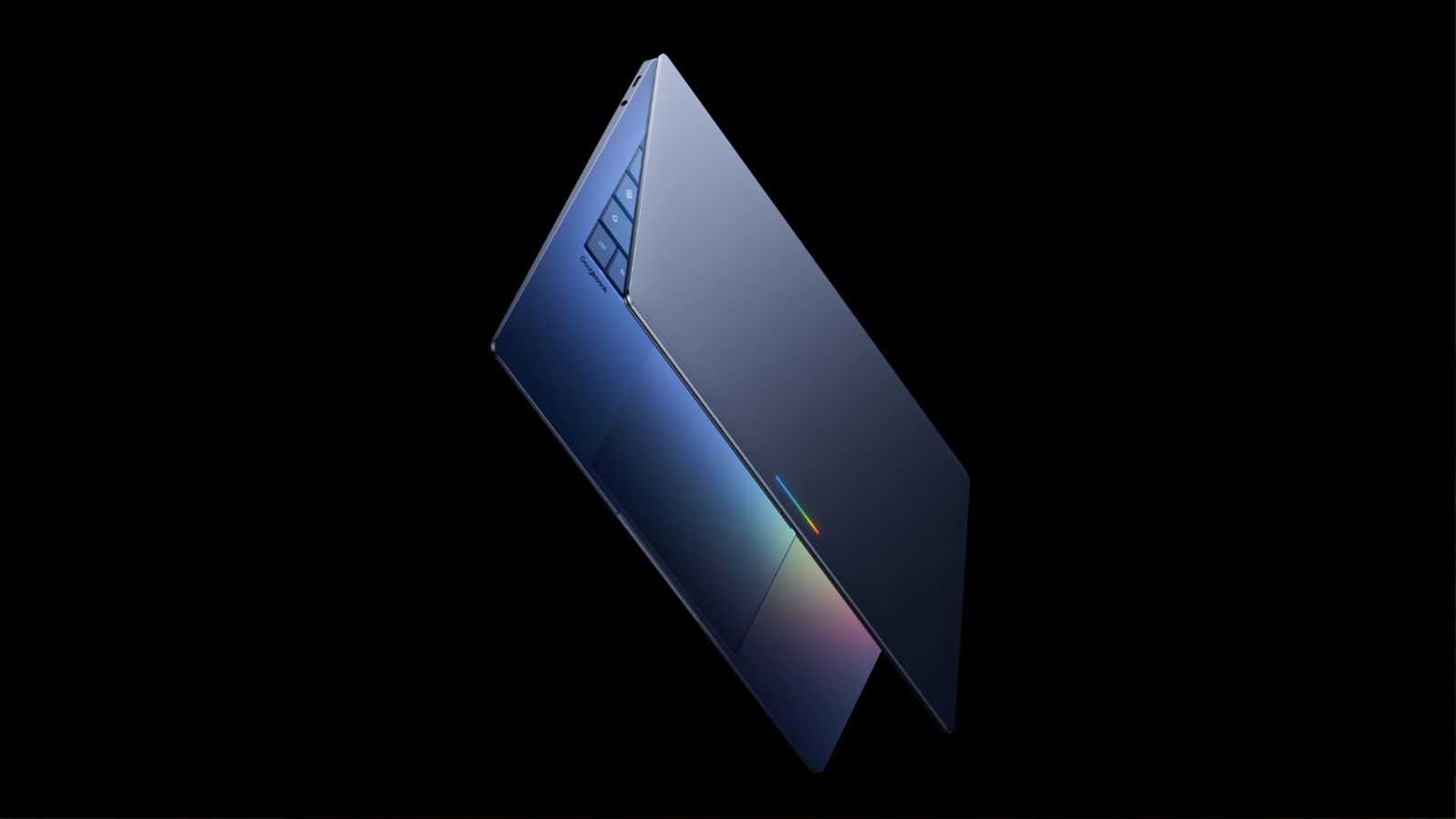
Every Googlebook will sport a distinctive "glowbar" on the lid of the laptop. This illuminated strip makes it immediately obvious that you're using a Googlebook, much like the glowing Apple logo on MacBooks. The glowbar is likely a customizable notification light or a branding element that signals the device's AI-centric nature. Beyond aesthetics, it could serve a functional purpose, such as indicating when Gemini is listening or processing a command. Google describes the design as premium and notes that the laptops will come in a variety of shapes and sizes, but the glowbar will be a consistent visual cue across all models.
8. Pricing Remains a Mystery—But It May Rival the MacBook Neo
Google has yet to announce pricing for the Googlebook, but the company's focus on "premium" materials and build quality suggests a higher price point. Analysts speculate that Googlebooks could be priced similarly to Apple's recently released low-cost MacBook Neo, or possibly even higher. Since the MacBook Neo is positioned as an affordable entry-level Mac, the Googlebook might aim to compete directly on both pricing and build quality. If Google can deliver a premium AI laptop at a competitive price, it could carve out a niche against Apple's ecosystem. However, without official numbers, potential buyers will have to wait for the fall launch to see the actual cost.
9. The First Googlebooks Launch This Fall
Mark your calendars: the initial batch of Googlebooks is scheduled to launch this fall. While an exact date hasn't been given, the fall window aligns with the traditional gadget release season. Google is expected to showcase the devices at a dedicated event, likely alongside updated Pixel phones or other hardware. The launch could be staggered by region, with key markets getting priority. Given that the laptop is built around Gemini, it will probably require a Google account and internet connectivity to unlock its full potential. Early adopters can expect the collaboration between Google and its manufacturing partners to yield several distinct models.
10. The Googlebook Is a Major Bet on AI-First Computing
With the Googlebook, Google is making a bold statement: the future of personal computing is AI-first. By placing Gemini at the center of the experience, the company is moving beyond incremental upgrades to reimagine how users interact with their devices. The Magic Pointer, Create My Widget, and deep smartphone integration are all designed to reduce friction and make the computer proactive rather than reactive. Apple has focused on silicon efficiency and ecosystem lock-in, while Microsoft is embedding AI into Windows through Copilot. Google's approach is unique because it merges mobile and desktop operating systems into a single Gemini-driven platform. If successful, the Googlebook could set a new standard for what a smart laptop can do.
The Googlebook represents a fascinating turning point for laptops. By combining the flexibility of Android with the desktop capabilities of ChromeOS, and then layering Gemini on top, Google has created a device that thinks ahead. The Magic Pointer interaction, custom widgets, and seamless phone integration are features that could genuinely change how we work. Of course, pricing and real-world performance will determine whether this AI laptop becomes a hit or just a curiosity. But one thing is certain: the Googlebook is not another me-too device—it's a deliberate step toward a future where your computer understands you. Keep an eye out this fall for the first models from Acer, ASUS, Dell, HP, and Lenovo.