Ubuntu 26.04 LTS Upgrade Path Opens for 25.10 Users: Key Features and Deadline
Overview: Upgrading to the Latest Long-Term Support Release
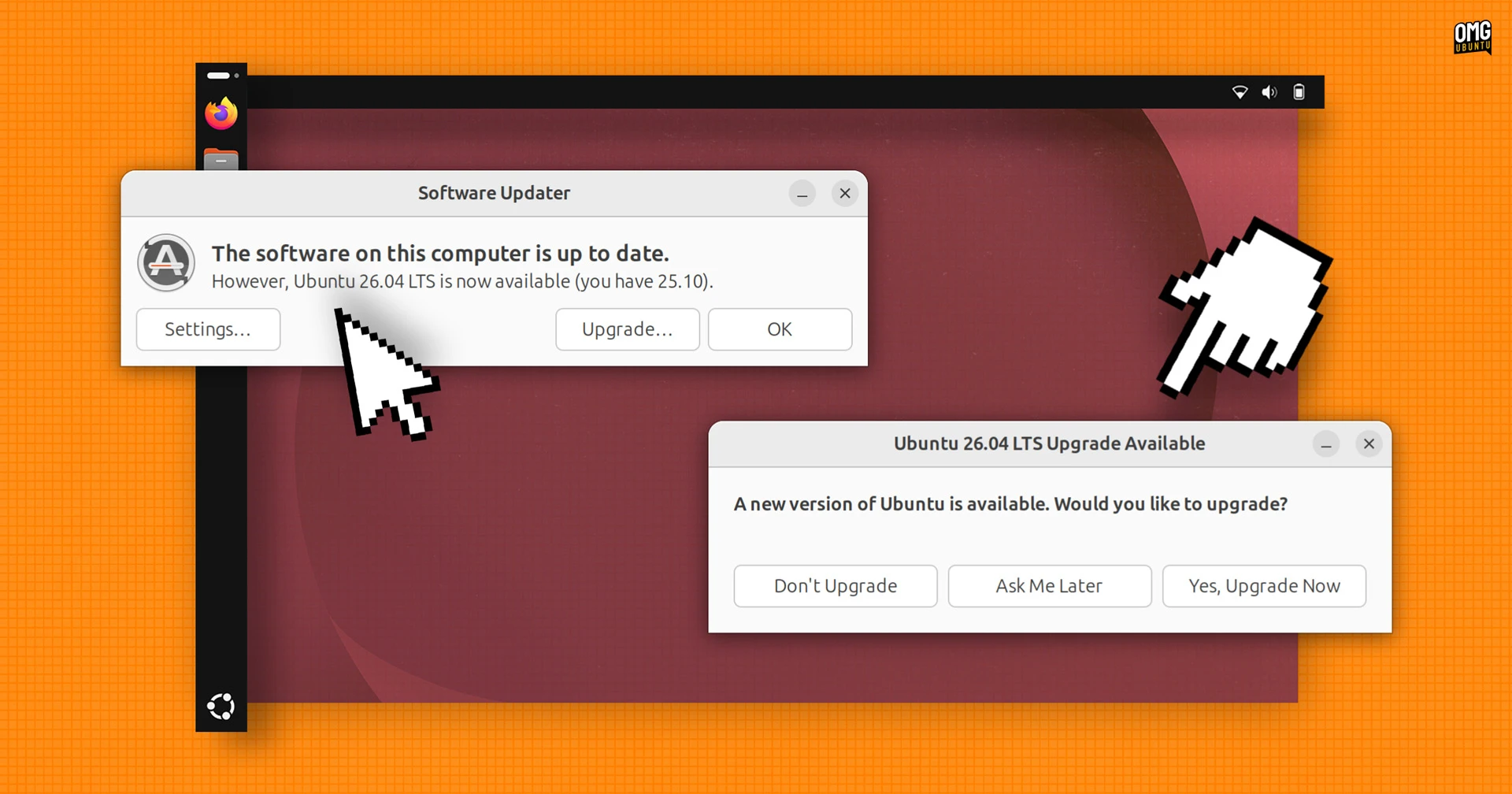
Canonical has officially unlocked the upgrade path from Ubuntu 25.10 to the newly released Ubuntu 26.04 LTS, codenamed Resolute Raccoon. For users still running the 25.10 version, this is not just an option but an impending necessity, as support for Ubuntu 25.10 is scheduled to end in July. Moving to Ubuntu 26.04 LTS ensures continued security updates, system stability, and access to the latest software innovations.

Urgency of the Upgrade Window
Ubuntu 25.10, which was a short-term release, will reach its end-of-life phase in a few months. Once that happens, users will no longer receive critical security patches or bug fixes, leaving systems vulnerable. Upgrading now to the LTS version guarantees a stable support cycle lasting up to five years for the main distribution, with extended security maintenance through Ubuntu Pro available. The upgrade process is straightforward via the built-in Software Updater or command-line tools, but it is recommended to back up important data first.
What's New in Ubuntu 26.04 LTS (Resolute Raccoon)
Released on April 23, Ubuntu 26.04 LTS brings a host of enhancements aimed at desktop users, developers, and system administrators. Here are the headline features:
Desktop and GNOME 50
The default desktop environment has been updated to GNOME 50, which offers refined performance improvements, a refreshed interface, and better touchscreen support. The GNOME Shell Overview now integrates Snap store search and web searching directly, making it easier to find applications without leaving the overview mode. Visual polish includes a completely redesigned set of folder icons, giving the file manager a modern look. Additionally, users will notice visual password feedback when using sudo commands in the terminal—asterisks now show for each keystroke, enhancing usability without sacrificing security.
Developer-Friendly Improvements
For programmers and data scientists, Ubuntu 26.04 LTS makes it simpler to set up high-performance computing environments. Both NVIDIA CUDA and AMD ROCm are now available directly in the Ubuntu archives. This means users can install these GPU-acceleration frameworks with a simple apt install command, eliminating the need for third-party repositories or manual PPAs. The system also ships with Linux 7.0 kernel, bringing better hardware support, improved scheduling, and enhanced security features.
Security and System Management
Ubuntu 26.04 LTS introduces the ability to enable Ubuntu Pro directly from the Security Center application. This subscription service provides extended security maintenance for over 25,000 packages, including patching for critical vulnerabilities. The new LTS release also includes updated default applications, ensuring a fresh and productive out-of-the-box experience.
How to Upgrade from Ubuntu 25.10
To upgrade to Ubuntu 26.04 LTS, users can follow these steps:
- Open Software & Updates and ensure the “Notify me of a new Ubuntu version” option is set to “For any new version.”
- Run
sudo apt update && sudo apt upgradeto ensure your current system is fully updated. - Launch Software Updater; it should now present the upgrade to Ubuntu 26.04 LTS.
- Alternatively, use the command:
sudo do-release-upgrade - Follow the on-screen prompts and allow the process to complete—reboot when finished.
For users preferring a clean installation, the ISO image is available from the official Ubuntu website. Remember to back up personal files, especially if upgrading from an older release.
Conclusion
Upgrading to Ubuntu 26.04 LTS is strongly recommended for anyone currently on Ubuntu 25.10, given the July support cutoff. With the upgraded GNOME desktop, integrated developer tools, and proactive security features, the Resolute Raccoon release represents a solid foundation for both everyday computing and professional workloads. Don't wait until the last minute—make the move now to ensure a smooth transition and continued system health.